
Kitchen display systems that actually survive a rush — built for Pakistan.
Paper-the-printer kitchens lose tickets, misread scribble, and can't see the whole rail. A KDS replaces the chit rail with a live, station-aware production screen that syncs with every order channel.
- Screens
- 1 per station
- Bump bar
- Supported
- Support
- English
Who this is for
Kitchen Display System — built for the businesses that live here.
This is for any kitchen where the printer chatters, the counter yells 'one more biryani, medium spicy,' and dishes leave in the wrong order because nobody could see the whole queue.
It fits a single-station cloud kitchen and scales to a multi-station production line across grill, fryer, cold, and dessert in a full-service restaurant.
- QSR kitchens
- Full-service restaurants
- Cloud kitchens
- Cafeterias & food courts
Core capabilities
What it actually does.
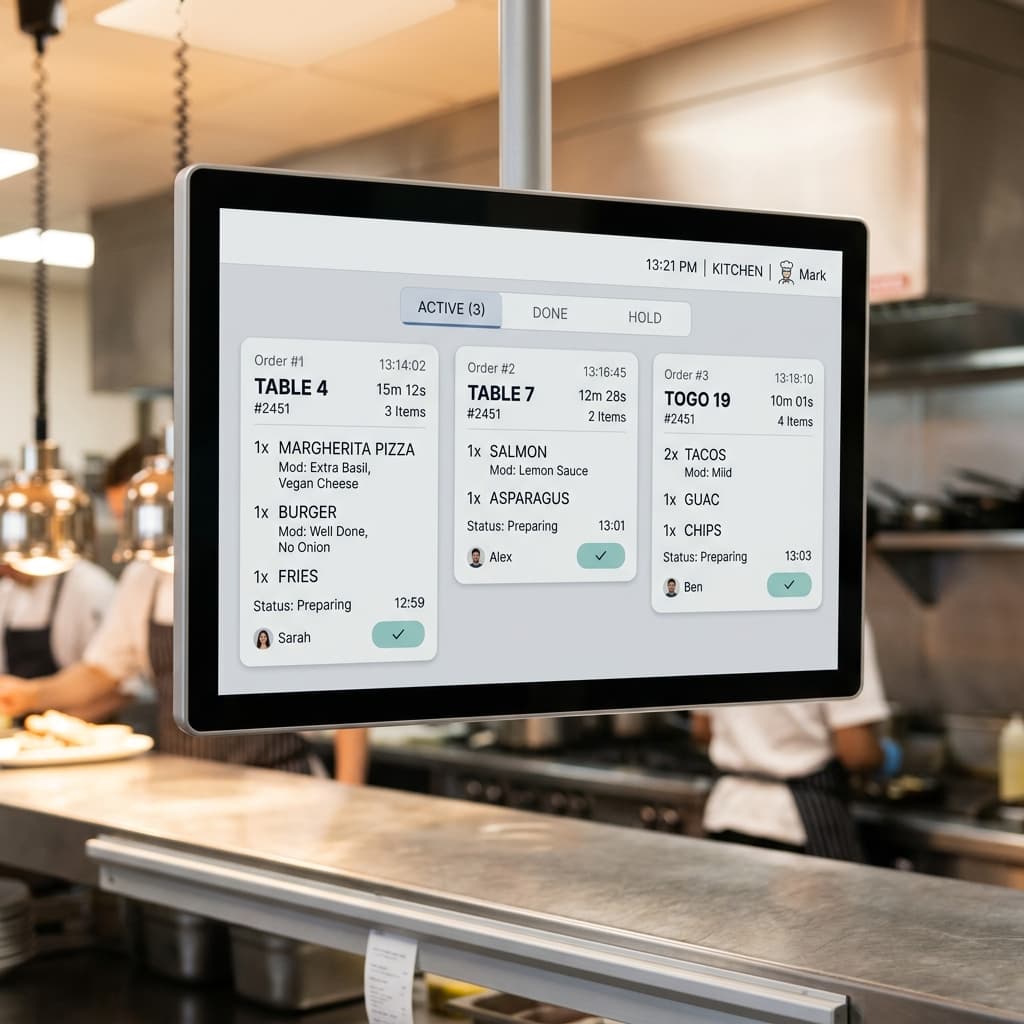
Station-aware order routing
Every item lands only on the station that makes it — grill gets the grill ticket, fryer gets the fryer ticket, cold gets its own. No more scanning a full order chit for the two items you're supposed to cook.
Prep-time tracking and targets
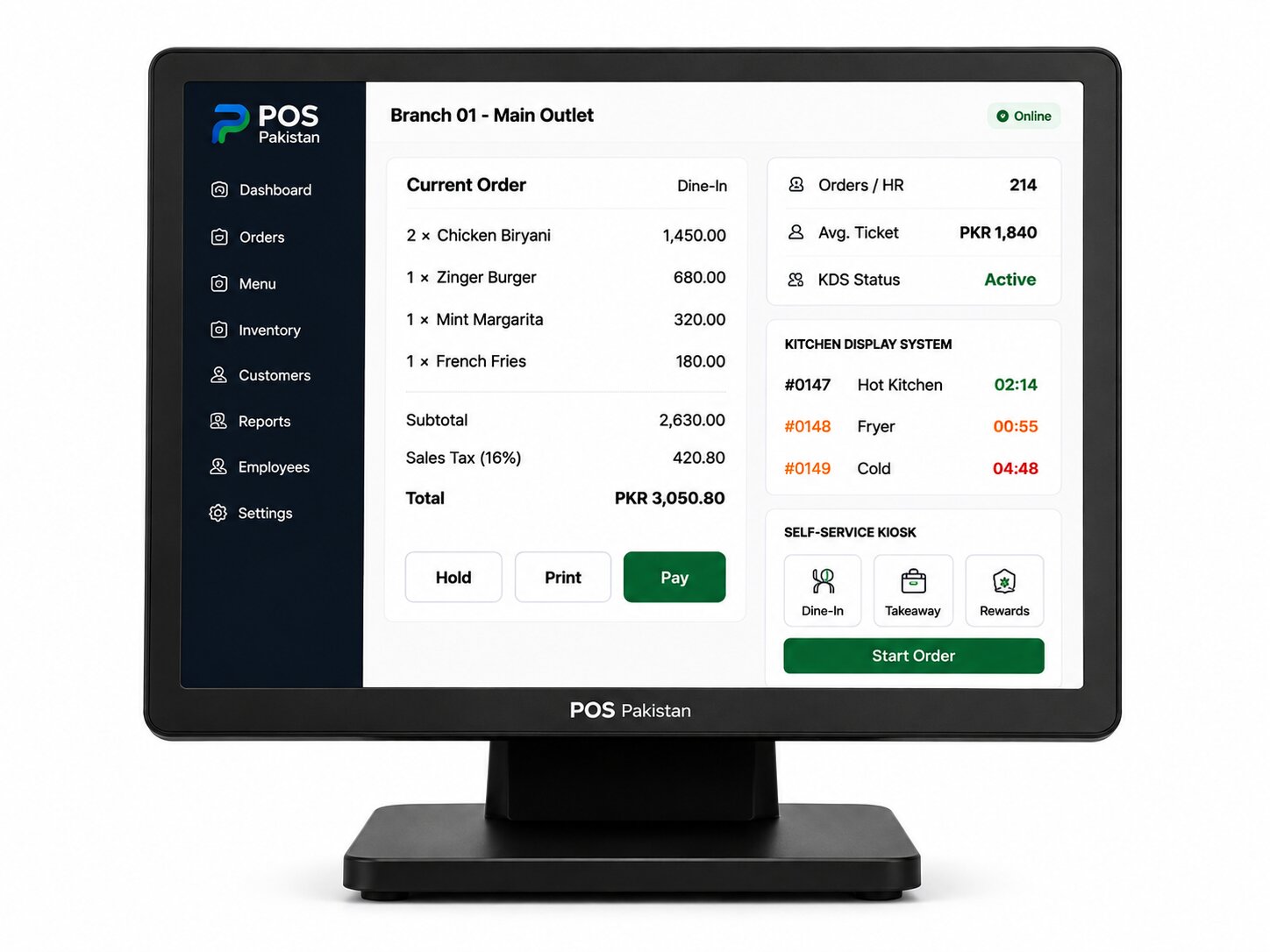
Each item carries a prep-time target. As a ticket ages, the color states shift on screen (green → amber → red) so late tickets are impossible to miss without a manager pacing the pass.
Bump bar / bump-screen completion
When the station finishes, the cook bumps the item or the full ticket — the ticket clears, the expedite screen updates, and the counter knows 'out' the moment it's out.
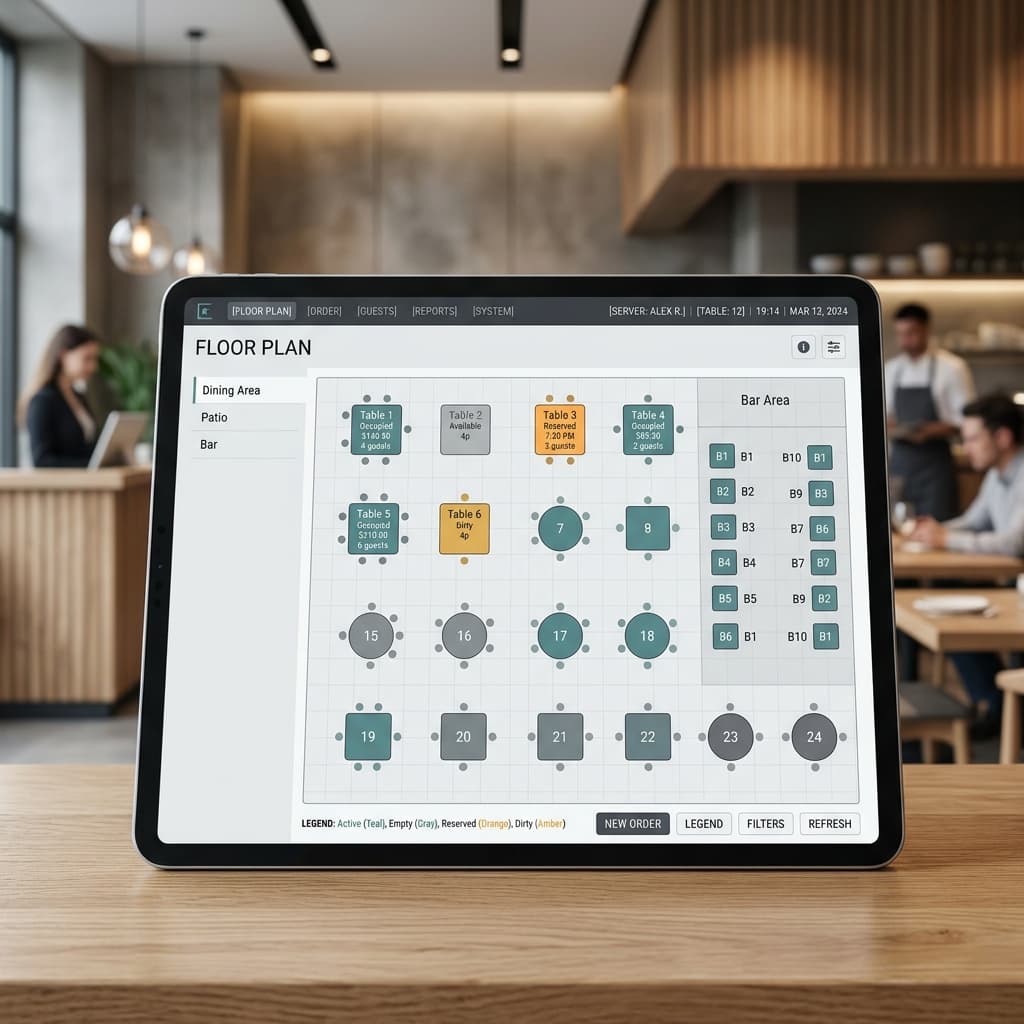
Live expedite/assembly view
A consolidated screen at the pass shows every item across every station per order — the assembler sees exactly when the last piece lands, then bumps it to the server pagers or pickup shelf.
Offline operation
Kitchens run on the local network — no cloud dependency mid-service. Orders still route, timers still run, and everything reconciles the moment internet returns.
Multi-channel queue awareness
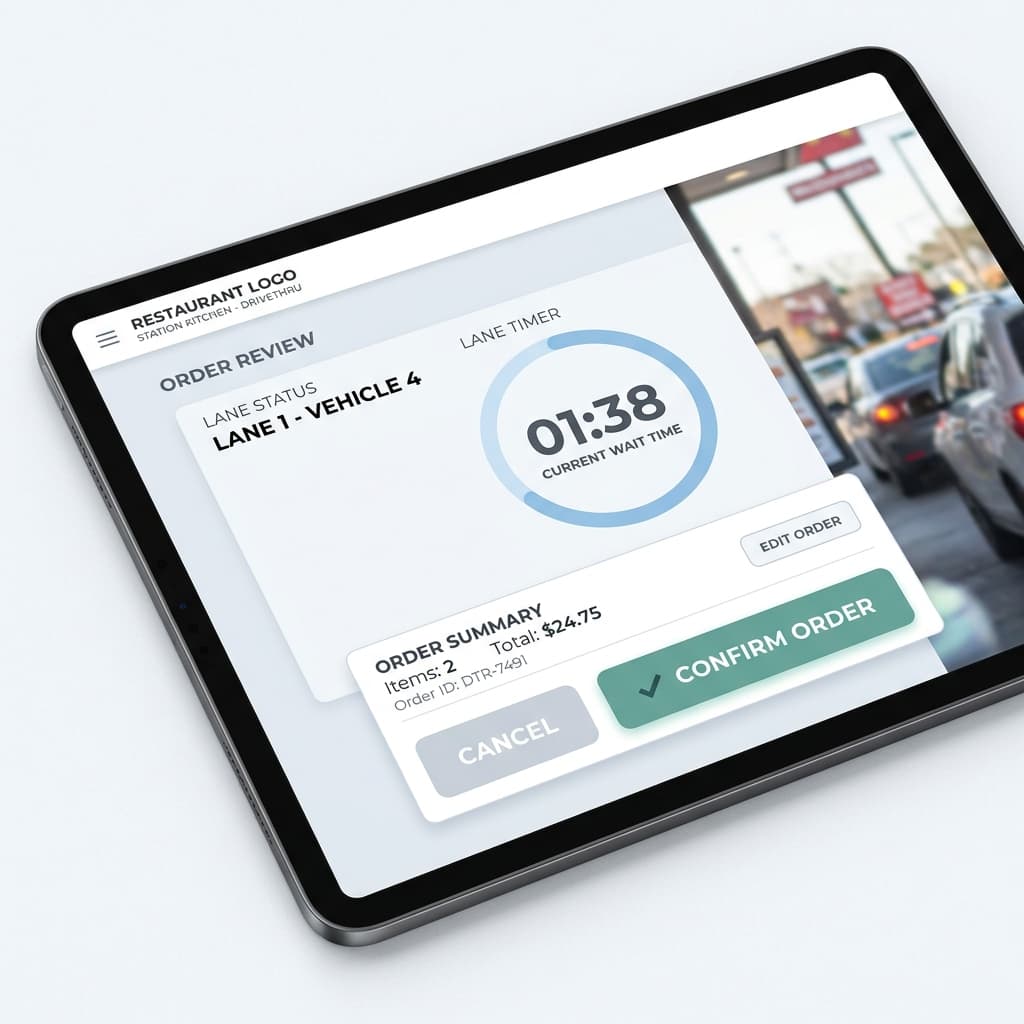
Dine-in, takeaway, delivery, drive-thru, and kiosk orders all flow into the same station queues, with channel labels so the cook knows whether the handoff is a plate or a bag.
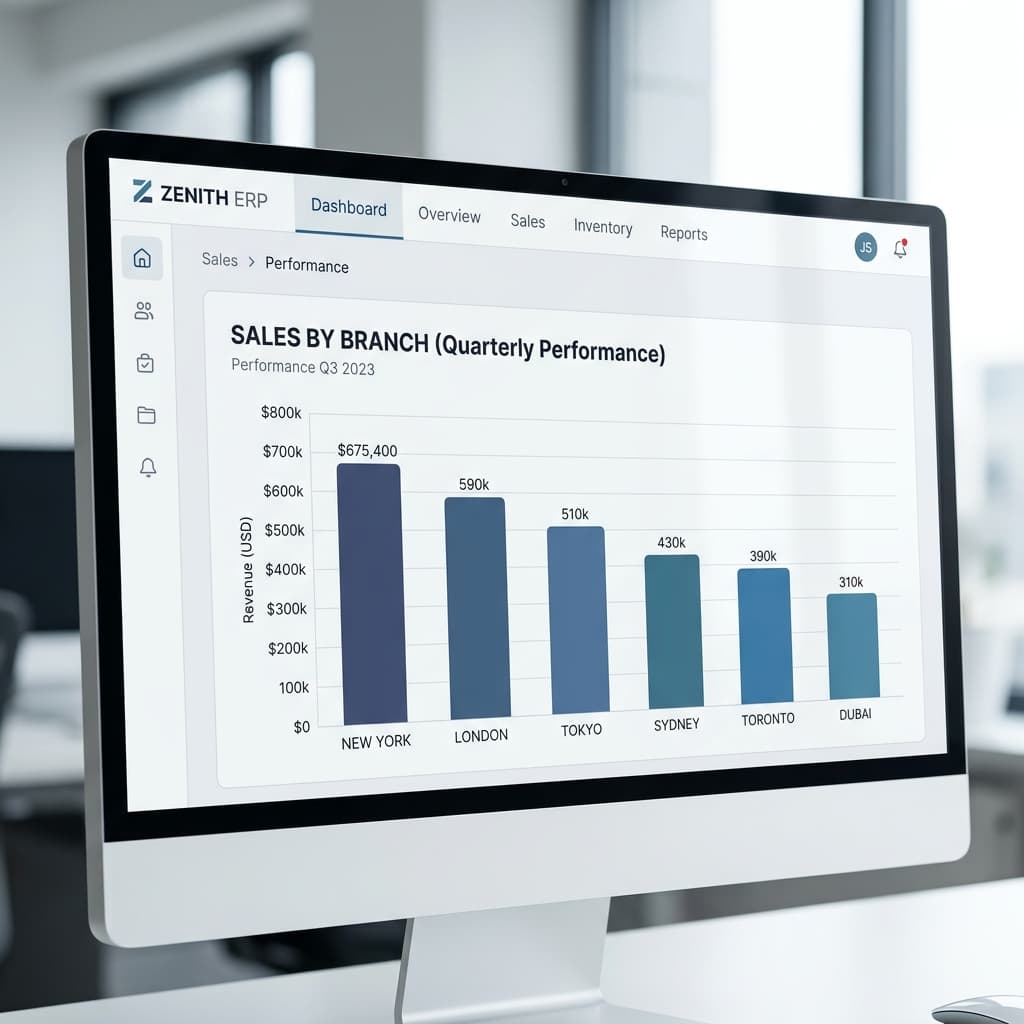
Production analytics for the chef
Average prep time per item, per station, per shift — the data a chef needs to tweak a menu, rebalance stations, and prove a staffing case to an owner.
Platform
How Kitchen Display System connects to the rest of the platform
Kitchen Display System is not a standalone app — every event on a terminal updates the modules your other teams rely on. No re-keying, no end-of-day exports.
- Restaurant POS
Orders taken at counter, table, kiosk, or lane fire to stations the instant they're confirmed at the till.
- Drive-Thru
Lane orders route to kitchen stations in car sequence, so the window crew never waits on a holdover.
- Self-Service Kiosk
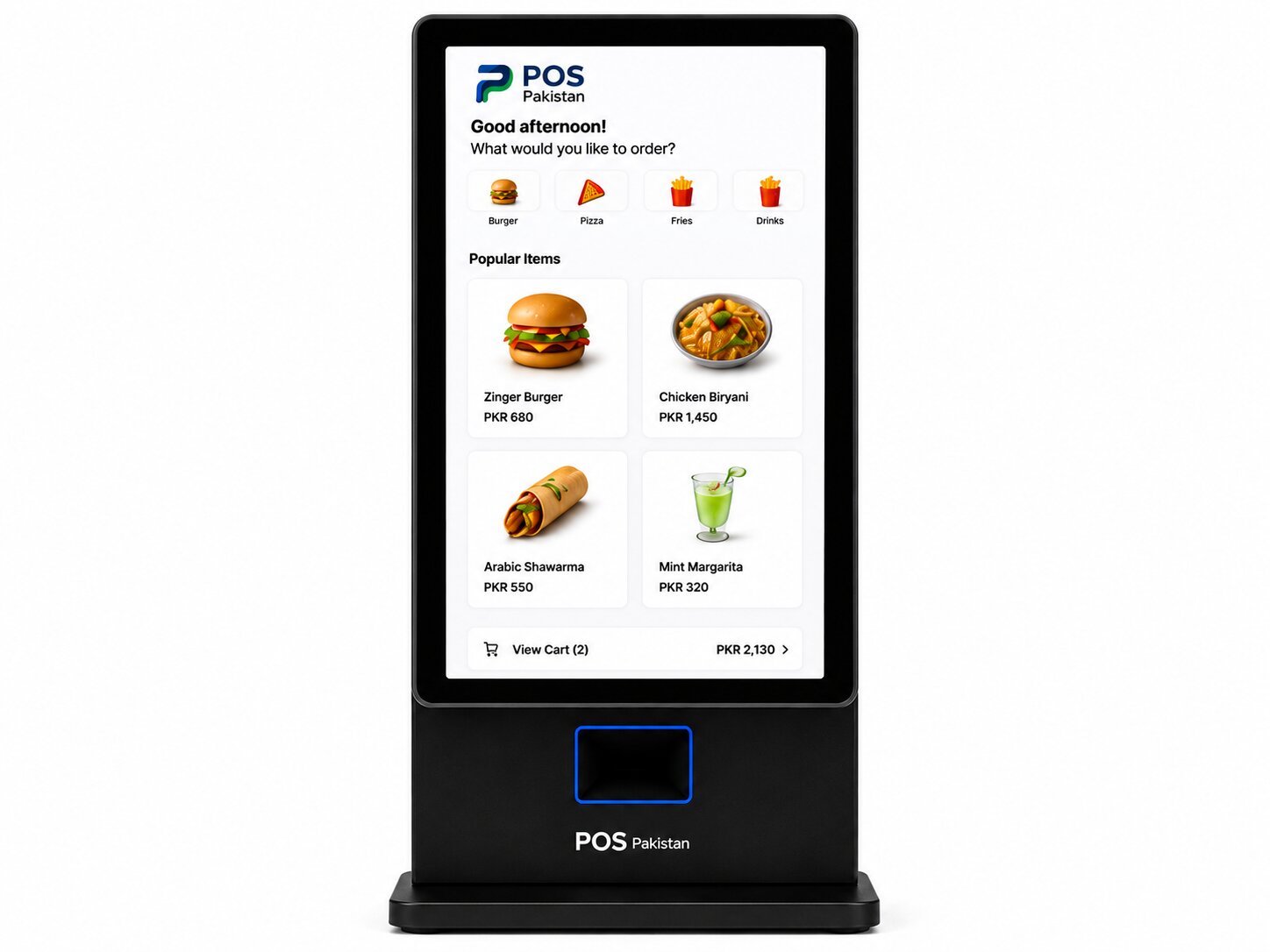
Kiosk orders hit the same queues — a walk-up kiosk is invisible to the cook other than its channel label.
- ERP
Every bumped ticket deducts the right ingredients from inventory across branches automatically.
- Invoicing
Fired and served orders tie back to the FBR-integrated invoice at the counter, keeping production and compliance on the same record.
Compliance & local-market fit
Made for how businesses actually operate in Pakistan.
Same system, one invoice
KDS events are part of the same POS transaction — the kitchen's work and FBR's digital invoice both originate from one order record, no separate ledger to reconcile.
Runs on the local network
Kitchens survive internet drops by design: order routing, timers, and bump flows are LAN-local, and sync when the uplink returns.
Hardware compatibility
Runs on hardware we supply, warrant, and install.
One vendor for software and hardware means one support call when a station goes down.
| Device | Used for | Typical spec |
|---|---|---|
| KDS screen | One per kitchen station | 19–24" display |
| Bump bar | Station completion | USB · tactile keys |
| Expedite screen | Assembly/pass view | 21–27" |
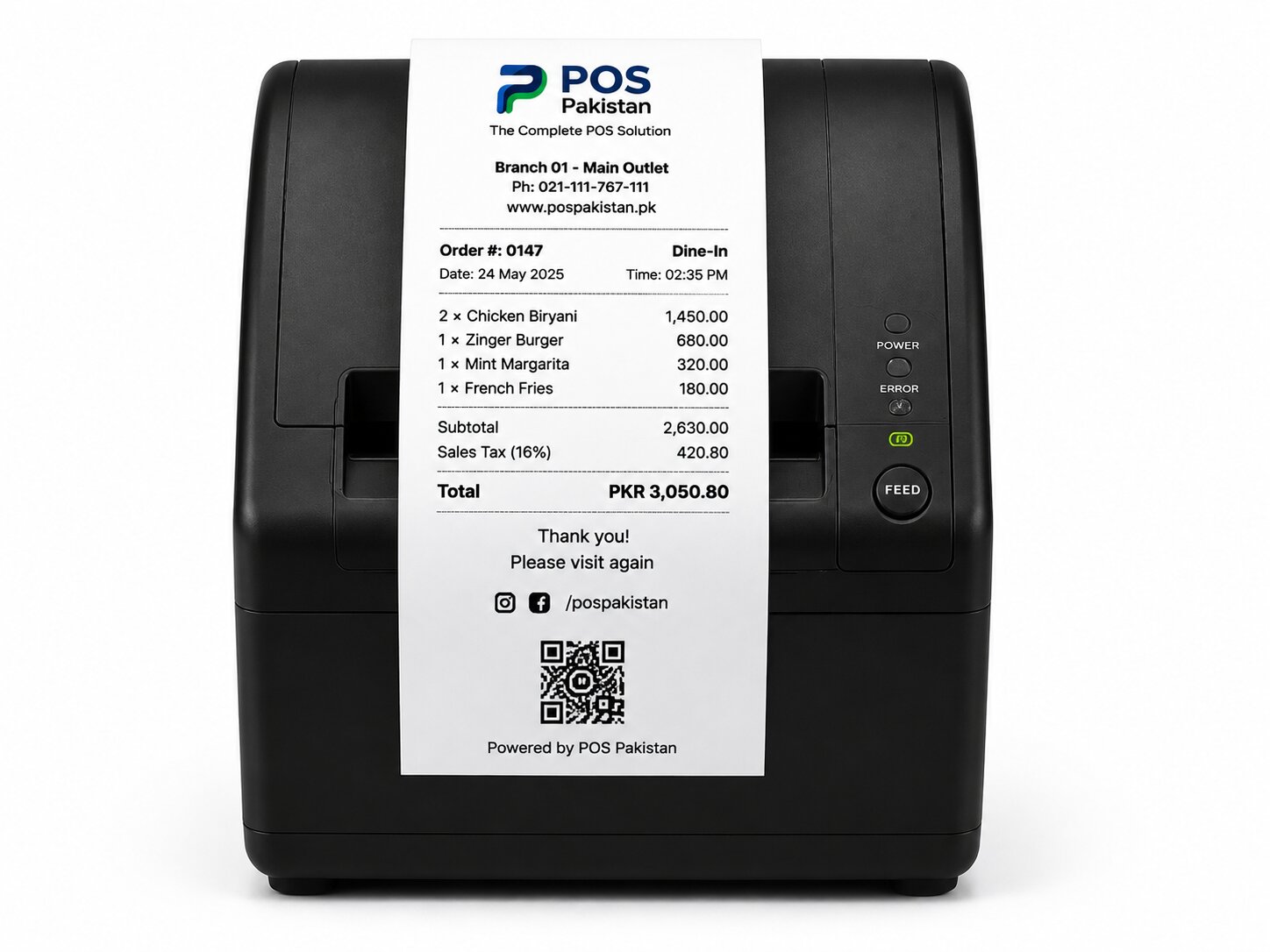
| Kitchen printer (fallback) | Paper backup at station | Impact / 80mm |
| Server pager base (optional) | Order-ready alerts | 8–16 pagers |
FAQ
Frequently asked questions
Straight answers on pricing, deployment, and compliance. For anything not covered, send us a message — we reply within one business day.
Does KDS work for a small kitchen, not just a big chain?
Can it run next to my existing printers while we transition?
What about heat, grease, and knocks in a commercial kitchen?
Does it work with drive-thru lane timing?
What's the cost?
Does it need internet?
See it on your data
See a rush handled on the screen, not the chit rail.
A working demo on live KDS screens and bump bars — or a kitchen layout review for your pass setup.