Buyer's Guide · restaurant · buying guide · comparison
Best POS Systems for Small Restaurants in Pakistan (Buyer's Guide)
Buying a POS for a small restaurant in Pakistan: the five capabilities that matter, a demo checklist to compare vendors, what to expect to spend, and when to add a KDS.
POS Pakistan Team 27 May 2026 8 min read
A small restaurant in Pakistan needs a POS that handles the specific mix of how dining actually works here: dine-in table service, takeaway parcels, delivery aggregator orders, and an FBR receipt on every single sale — all on a budget that a single-outlet owner can justify. The big-brand feature lists (labor scheduling, loyalty engines, franchise modules) are noise for you. This guide covers the capabilities that matter, the checklist to use when comparing vendors, and what small restaurants should expect to spend.
The five things a small restaurant POS must do
1. Fast table service without ceremony. Your waiter should open a table, add items with one or two taps per line, fire the order to the kitchen, and close out on a card/wallet/cash mix — without leaving the floor. If the flow takes longer than a conversation, it will not be used.
2. Takeaway and parcel handling built in. A large share of small-restaurant revenue is parcels and pickups. The POS should handle takeaway as a first-class order type — same pricing, same FBR receipt, separate numbering if you want it — not as a workaround.
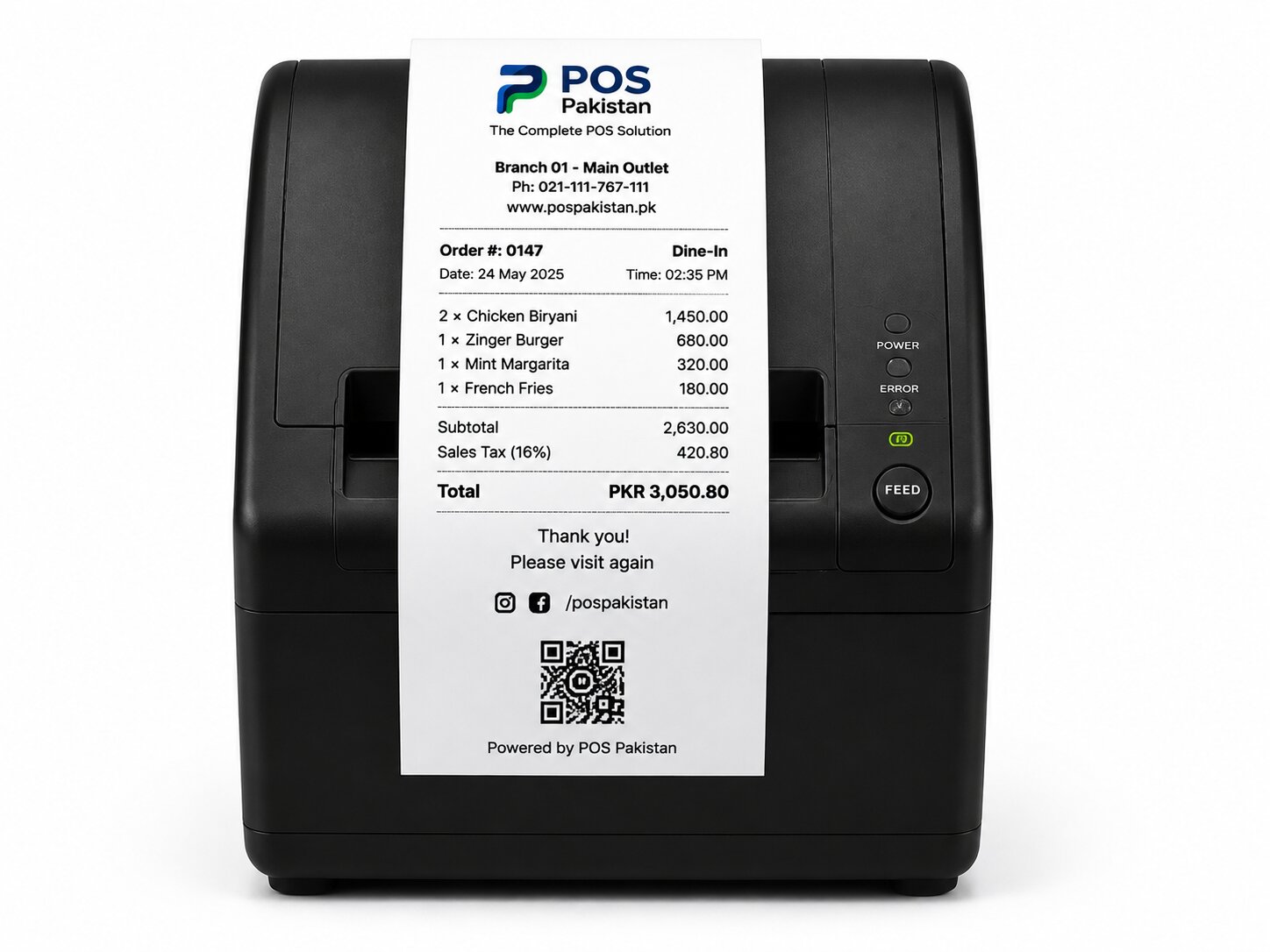
3. FBR-compliant receipts on every sale. This is not optional for registered restaurants. Every receipt — dine-in, takeaway, delivery, offline — must be an FBR digital invoice with a scannable QR. If the system your vendor shows you cannot demo that live, walk away.
4. A real offline mode. Load-shedding and internet cuts will happen during your peak hours. The till must keep selling and printing valid QR receipts, then transmit when the connection returns. (Full mechanics in our offline mode guide.)
5. Delivery order intake without double entry. Most small restaurants take aggregator and phone orders while running the counter. The POS should let one person record a delivery order in the same system that fires the kitchen, so nothing gets re-typed on paper.
The comparison checklist
Take this list into every demo. A vendor that passes all of these is rare and worth paying for:
| Check | What "pass" looks like |
|---|---|
| Table map and floor layout | Real table screen; split bills and table transfers work |
| Modifiers (size, spice, no-onion) | Add modifiers to any item in 1–2 taps; kitchen prints them |
| KDS routing | Orders fire to a kitchen screen or printer, not just the same receipt |
| FBR integration, live | A test sale prints a QR that verifies in the FBR app |
| Offline resilience | Kill the internet mid-demo; sale completes, receipt prints, sync recovers |
| Payments | JazzCash/Easypaisa and card at the counter; cash drawer behavior |
| Reporting | Per-daypart sales, item best-sellers, and staff-wise sales without exporting CSV by hand |
| Data export | You can export your full sales history on day one, contract or no contract |
What you should expect to spend
Small-restaurant budgets in Pakistan are far more predictable than the marketing lets on:
- Software: subscription model — typically a few thousand rupees per month per branch in the realistic local range, or a one-time license with annual support. Prefer the model that lets you stop if the business stops.
- Hardware: one terminal (or a tablet on a stand), one 80mm thermal printer, and a cash drawer — the practical starter set. Total hardware for a single counter is a modest one-time cost, and a kitchen printer adds a small increment.
- Watch items: card machine rental/merchant fees, sticker and thermal paper recurring costs, and whether "setup" is really free.
Never pay for the POS based on a percentage of your sales. That model exists, and it taxes your growth.
When to add more than the minimum
Two upgrades pay for themselves quickly in most small restaurants:
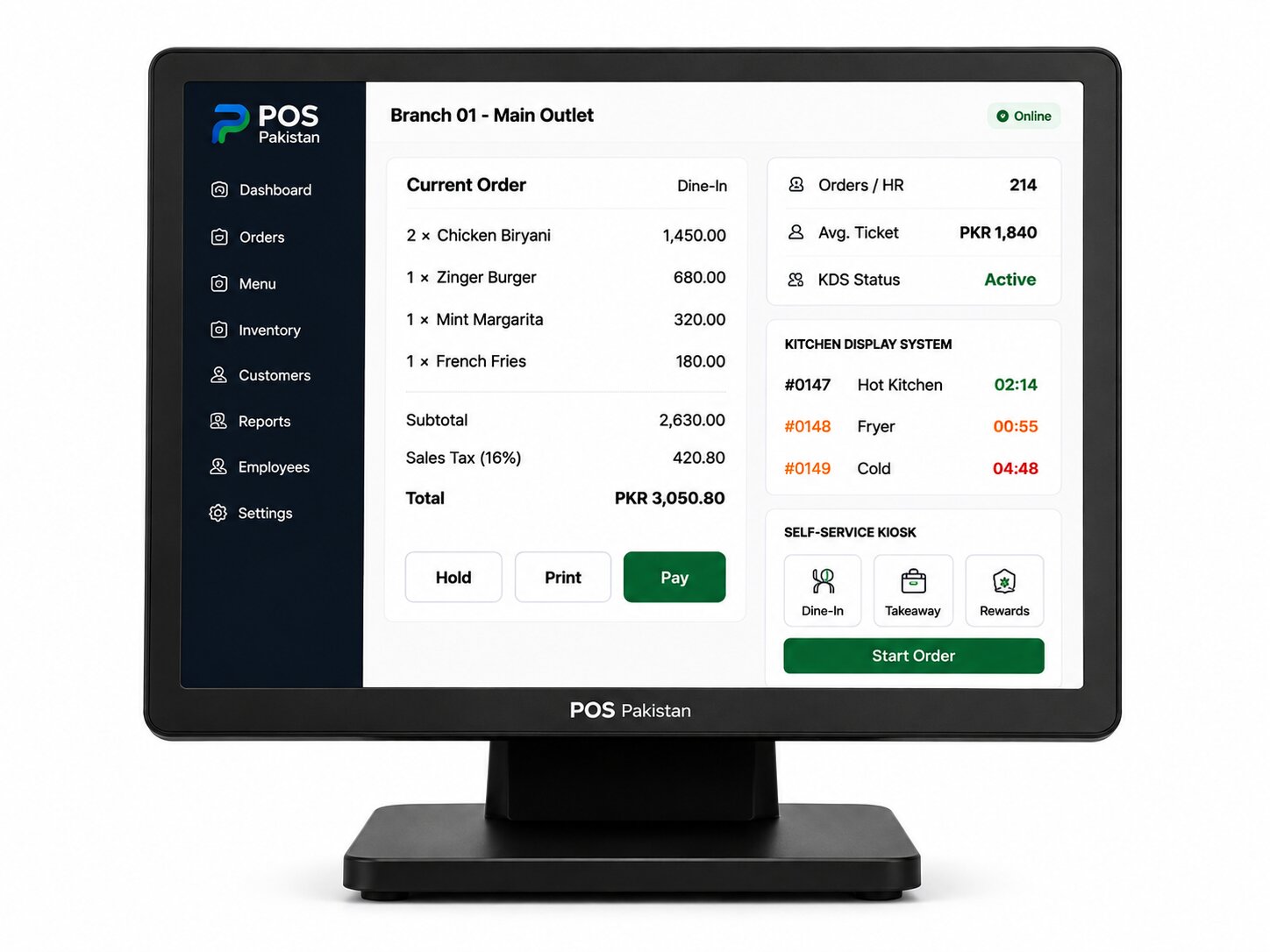
- A KDS (kitchen display screen) instead of kitchen printers — order screens never jam or run out of paper, and prep time becomes measurable. If you have a single kitchen with 1–2 stations, a basic kitchen display system removes most order errors.
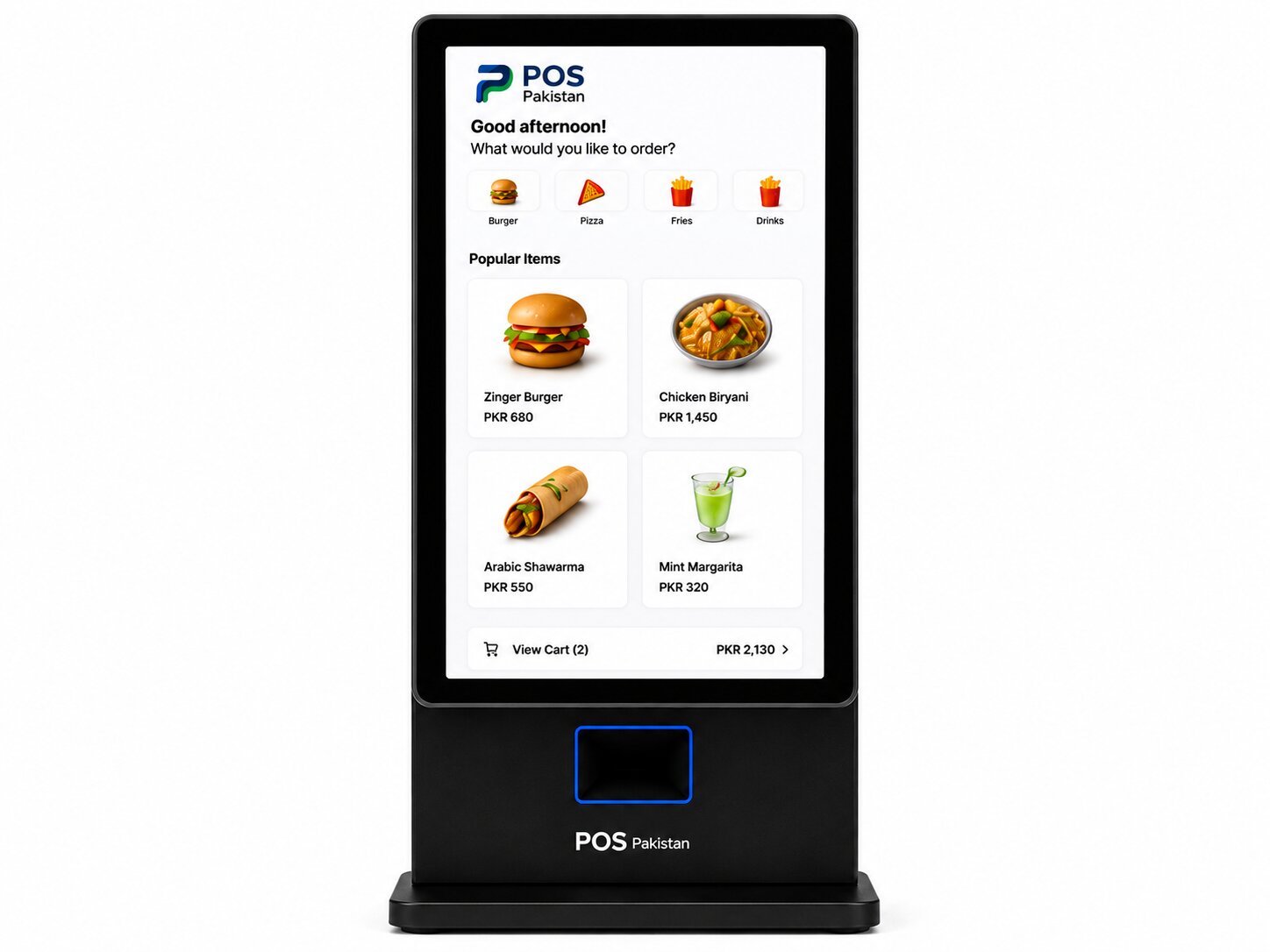
- A second order intake point if you are doing heavy takeaway — either a small kiosk or simply a second screen logged into the same order book, so counter and parcels don't queue on one person.
Both work on the same POS data — you add them later without replacing software or retraining.
The short version
Your first restaurant POS is not a status symbol — it is the machine that keeps every sale legal and every receipt right. Buy the one that passes the checklist above (especially the FBR and offline demos), matches your actual counter layout, and comes from a local team that updates the tax side for you.
POS Pakistan is built for exactly this: restaurant POS with dine-in, takeaway, and delivery order flow, FBR QR receipts on every sale, offline-first behavior, and kitchen routing. See pricing for the small-restaurant setup, and the hardware starter kit for what goes on the counter.
Where this fits in the platform